
(not .htaccess.txt)
Step 2: Log in to cPanel and open File Manager
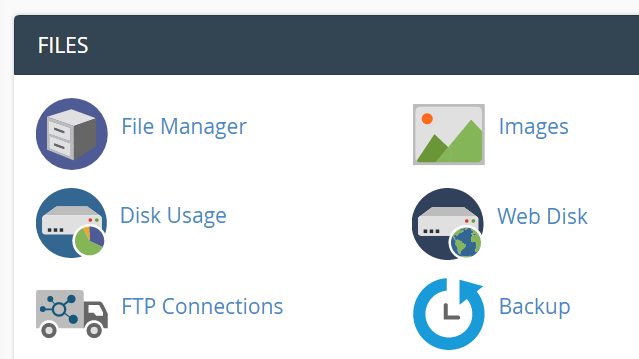
**Step 3: **Find the /uploads directory.
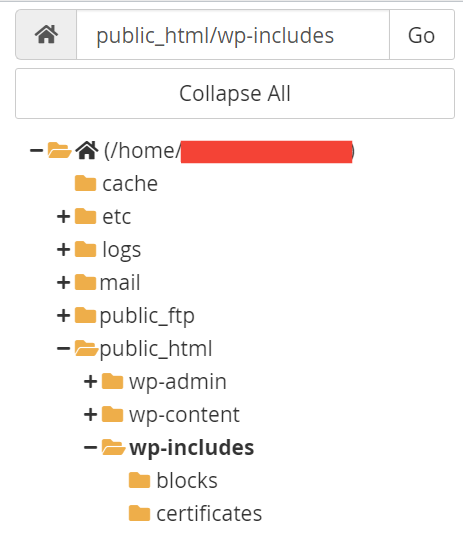
You will find the list of all directories in the file manager. Open the /upload directory.
**Step 4: **Upload the TXT file we created in step 1.

If there is already an .htaccess file in the directory, you can add code to that .htaccess file.
And save it.
That’s it.
There will be no PHP execution in that directory anymore.
This trick will not help the hacked website. This is not a cure but a precaution. Cleaning a hacked WordPress website takes time, energy, and resources.
At ServerGuy, we provide managed WordPress hosting. A team of security experts keeps your website hack-free and actively defends the website from malicious attacks. Check the price.
**Also Read: **
Final Words
This 2-minute WordPress security task can save you a lot of trouble.
Besides that, you can add security questions to the login page, change the login URL, and hide the WordPress version.
All of them help to take WordPress security to the next level.
I hope this quick tutorial helped you to learn how to disable PHP execution in WordPress directories.