
Skip to content
ZenoCloud
Managed GPU services

Managed GPU services for production AI.

Deploy a qualified GPU workload, verify acceptance and add infrastructure or AI Production Care with a written responsibility boundary.

Compare GPU capacity
Capacity and managed services are separate. Buy either one, or define both in the same quote.
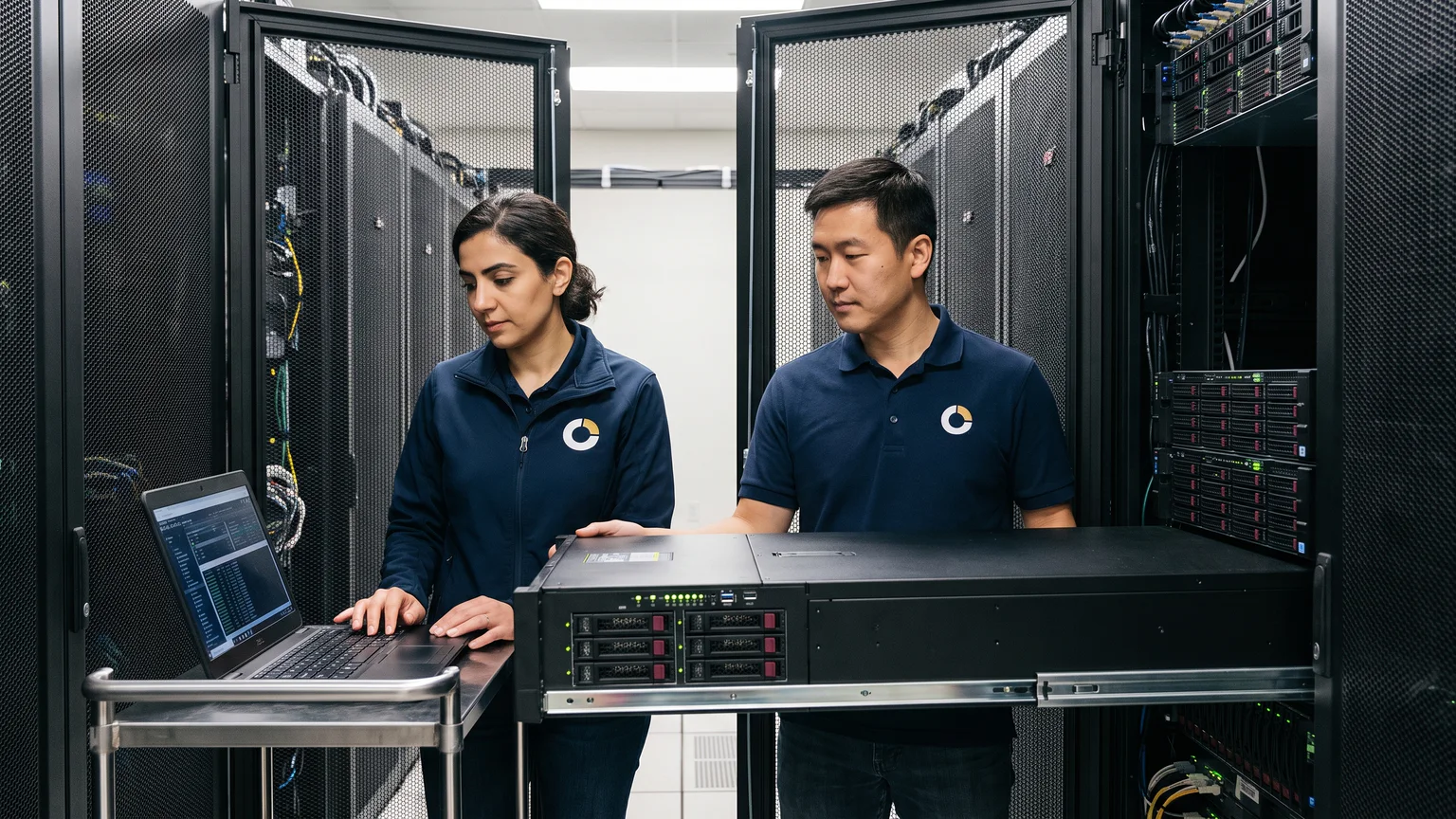
Infrastructure team reviewing monitoring data beside a server rack
Host, runtime and workload ownership are agreed before recurring care begins.
Three service boundaries

Choose what needs an owner.

Start with deployment, add infrastructure care, or extend the scope to a named production AI workload. GPU capacity remains a separate line.

01 · one-time project

Single-node GPU deployment and acceptance

Build the agreed runtime, deploy the workload and close the project against written acceptance checks.

  • Driver, container and runtime baseline
  • Workload deployment and agreed checks
  • Acceptance record and operating handoff
From ₹50,000
02 · node per month

GPU Infrastructure Care

Maintain the quoted GPU node and runtime boundary after deployment.

  • GPU, host and runtime visibility
  • Maintenance and permitted incident actions
  • Hardware and provider escalation
From ₹25,000 ₹50,000 monthly account minimum
03 · workload per month

AI Production Care

Add a named operating boundary around a production serving or AI workload.

  • Endpoint and workload signals
  • Serving-layer incident coordination
  • Evidence handoff to the model or application owner
From ₹75,000
Responsibility boundary

One environment. Named owners.

The customer keeps model, data and application ownership unless the service plan adds a specific responsibility. ZenoCloud owns only the listed infrastructure and operating actions.

Customer or application owner
  • Model and data rights
  • Application code and business logic
  • Workload targets and acceptance decisions
  • Approvals outside the agreed change boundary
ZenoCloud scope
  • Agreed runtime and infrastructure baseline
  • Named monitoring, maintenance and incident actions
  • Escalation and evidence handoff
  • Recovery actions only where contracted
Not implied
  • Capacity charges are separate
  • Model tuning and application development are not implied
  • No production change is autonomous or outside the agreed authority
From project to production

Qualify. Deploy. Operate.

The operating scope starts only after the workload, environment and acceptance path are understood.

01

Qualify

Record model, framework, precision, concurrency, memory, data, network, observability and acceptance targets.

02

Deploy and accept

Install the agreed baseline, preserve the customer environment and run the written verification checks.

03

Operate the named boundary

Monitor, maintain, respond, record evidence and hand application or model work to the correct owner.

Managed GPU questions.

What is included in GPU deployment and acceptance?

The quote states the runtime, drivers, container environment, serving or batch framework, access, observability and workload checks included. Anything not written into the acceptance scope remains excluded.

Is GPU Infrastructure Care the same as AI Production Care?

No. GPU Infrastructure Care covers the agreed host, runtime and infrastructure boundary. AI Production Care adds a defined serving or workload boundary, such as deployment health, model endpoint signals and coordinated incident ownership.

Can you work on infrastructure from another provider?

Yes where the platform is supported, access is available and provider responsibilities are documented. ZenoCloud does not require an account transfer by default.

Can ZenoCloud tune or modify our model?

Not by default. Model selection, training, fine-tuning and application behavior stay with the named model or application owner unless bought as a separate service.

Is the first deployment included without charge?

No automatic unpaid evaluation is promised. A validation or benchmark run is available only when qualified and stated in the written quote.

+91 99991 08033 · sales@zenocloud.io

Quote request

What should we quote?

Describe the configuration or problem, location and timing.

Add company or phone (optional)
Replies go to your work email. Add a phone number only if you want a call.