Are you looking for Gmail Add-Ons and Gmail Extensions to enhance the productivity of Gmail?
Surely, Gmail is one of the most popular email services in the World. Around 92% of startups use Gmail — that shows how useful and easy Gmailis for businesses.
Though it has a lot of functions, Gmail still has limitations. For various functions that Gmail is unable to do, there are Gmail Add-ons and extensions.
In this article, I am going to mention the best extensions and add-ons for Gmail.
What are Gmail Add-Ons?
Gmail Add-ons can add new capabilities to the G Suite applications. They extend, help automate tasks or make third-party services or information available in G Suite (Gmail).
You can find them in G Suite Marketplace.
What are Gmail Extensions?
Gmail extensions are Chrome extensions that affect the Gmail dashboard. It changes and adds functions to the mailbox.
You can download extensions from the Chrome extension store.
What is the difference between Gmail Add-ons and Gmail Extensions?
The difference between Add-ons and Extensions is that Add-ons work for the complete G-suite while the extension can be installed in the Chrome browser.
Extensions are for the Chrome browser, while Add-ons are for G Suite apps.
Best Gmail Add-Ons and Extensions
Businesses using Gmail at scale often combine these add-ons with managed hosting for better performance.
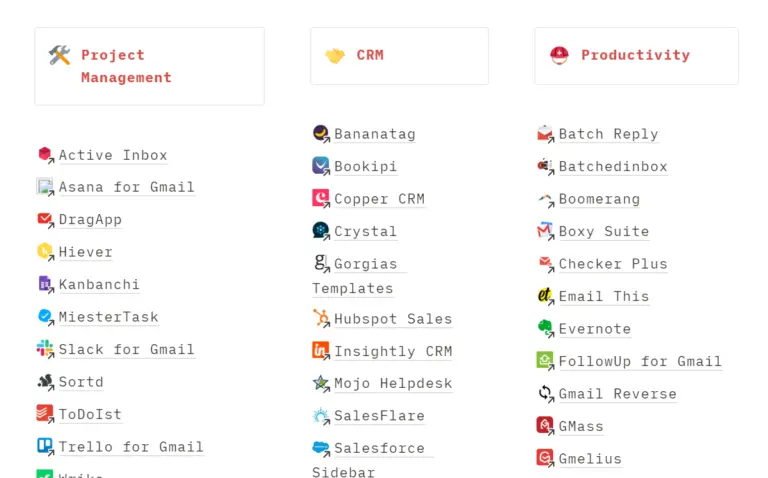
| Gmelius | Sortd | WiseStamp |
| Boomerang | MiesterTask | DocuSign |
| Inbox When Ready | ToDoIst | Clearbit Connect |
| Simple Gmail Notes | Zoom | Sales Navigator |
| Follow up.cc | DragApp | Giphy |
| Checker Plus – Multiple accounts | Insightly CRM | Dropbox |
| Hubspot Sales | Streak | Mail track – Mail seen |
| Vocus.io | Shared Contacts For Gmail | Evernote |
| Trello for Gmail | Flowcrypt | Right Inbox |
| Asana for Gmail | Digify | Flashissue Newsletter Creator |
| Wrike | Unroll.me |
Gmelius
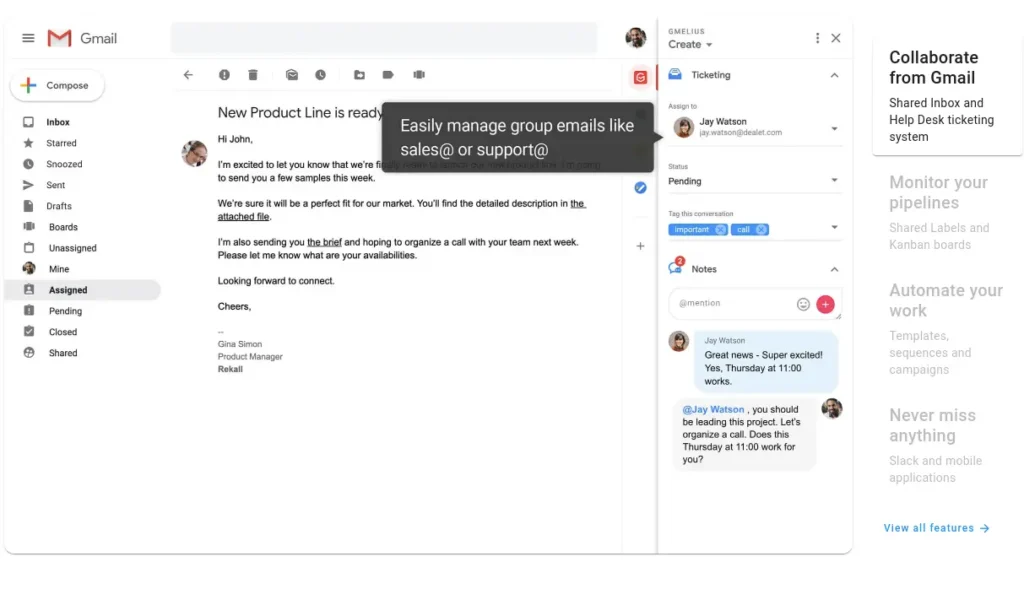
Gmelius is a complete package with all the necessary tools and functions for team management tasks. It is a powerful Gmail extension for project management and collaborative work.
Features of Gmelius:
- Helpdesk
- Kanban boards
- Automate mails
- Shared labels
- Email Notes
- Templates
- Integrated CRM
- Email delegation
Boomerang
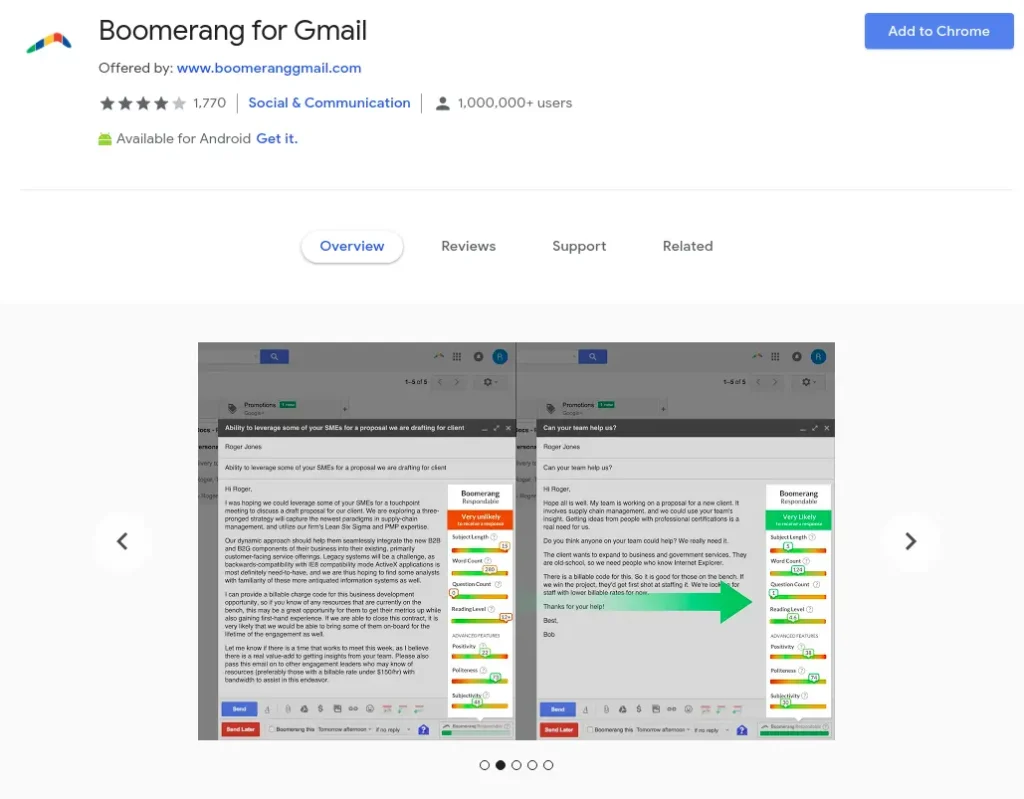
Boomerang is a fantastic tool for emails. It is an email tracking tool that helps you in outreach.
Boomerang gives you complete control over your emails.
Features of Boomerang:
- Schedule mails
- Reminder mails
- Read receipts
- Click tracking
- Inbox pause
- Email notes
- Recurring messages
- CRM Integration
Inbox When Ready
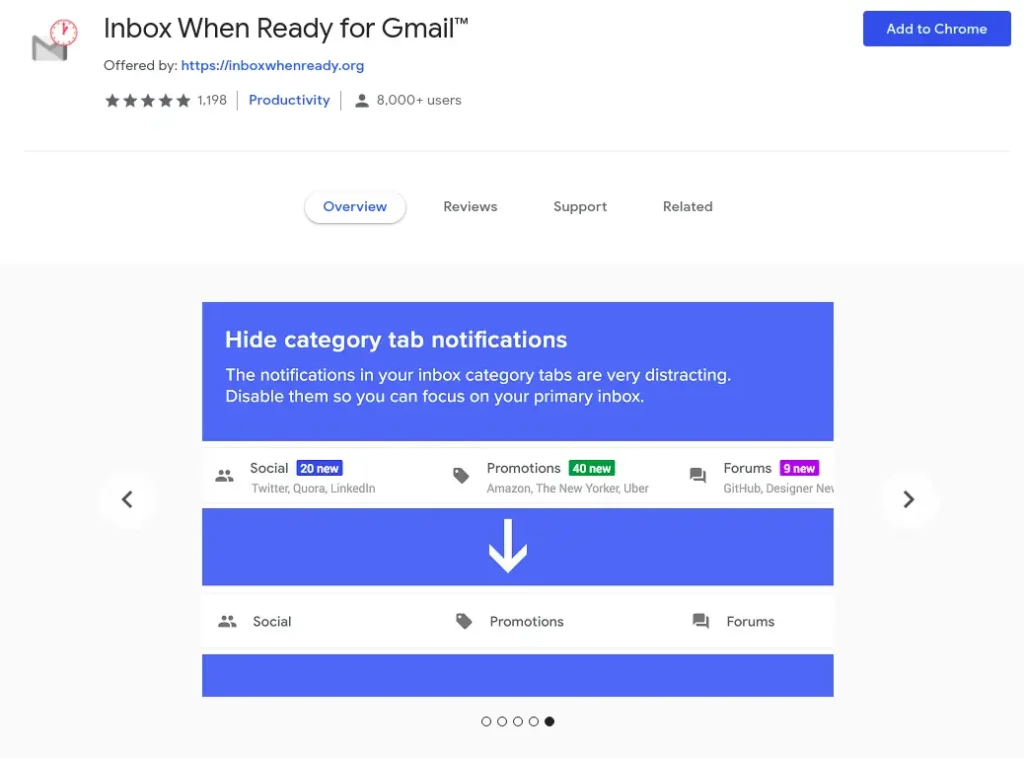
This Chrome extension helps you in minimizing your total time spent in your inbox. The extension locks the Inbox for a fixed time, so you can concentrate on other tasks.
For example, your Gmail will be locked during your vacation, and you will not be able to check it even if you want. This is a small Gmail add-on that will stop you from getting sidetracked.
Features of Inbox When Ready
- Hide your inbox
- Schedule your inbox lockout
- Limit the Mail browsing
Simple Gmail Notes
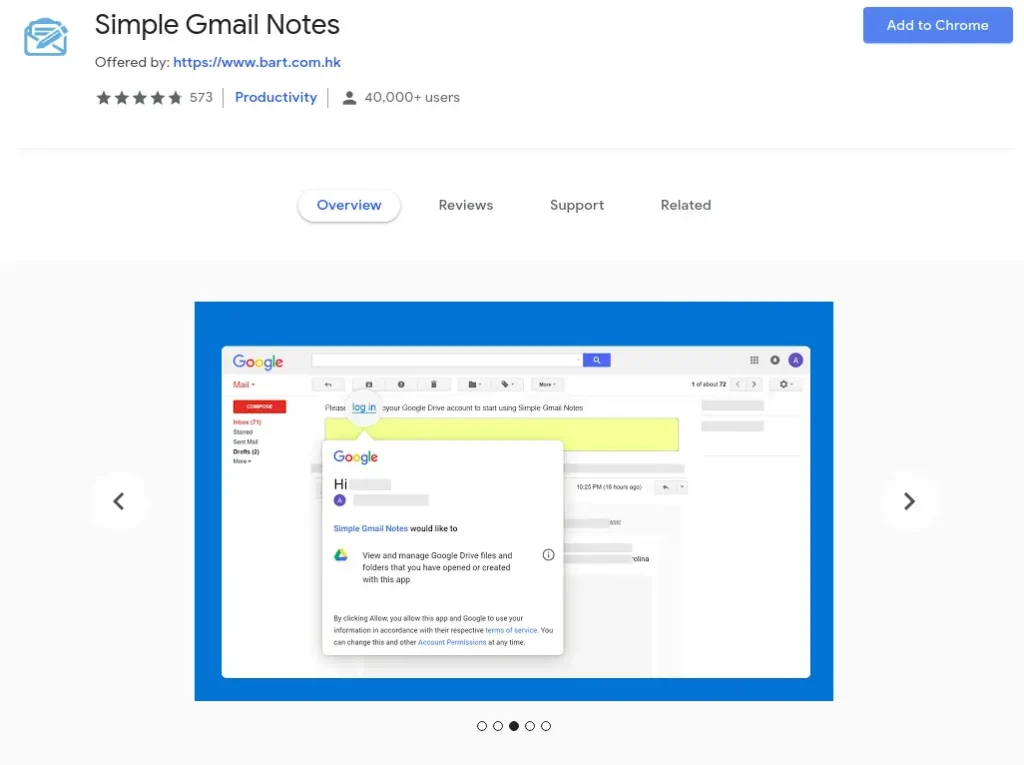
The only function of Simply Gmail Notes is to add the notes to the threads and messages.
Features of Simple Gmail Notes:
- Save the notes in Google Drive
- Add notes to the calendar
- Sync the notes in Chrome, Firefox, and Edge
- Display notes in print
Follow up.cc
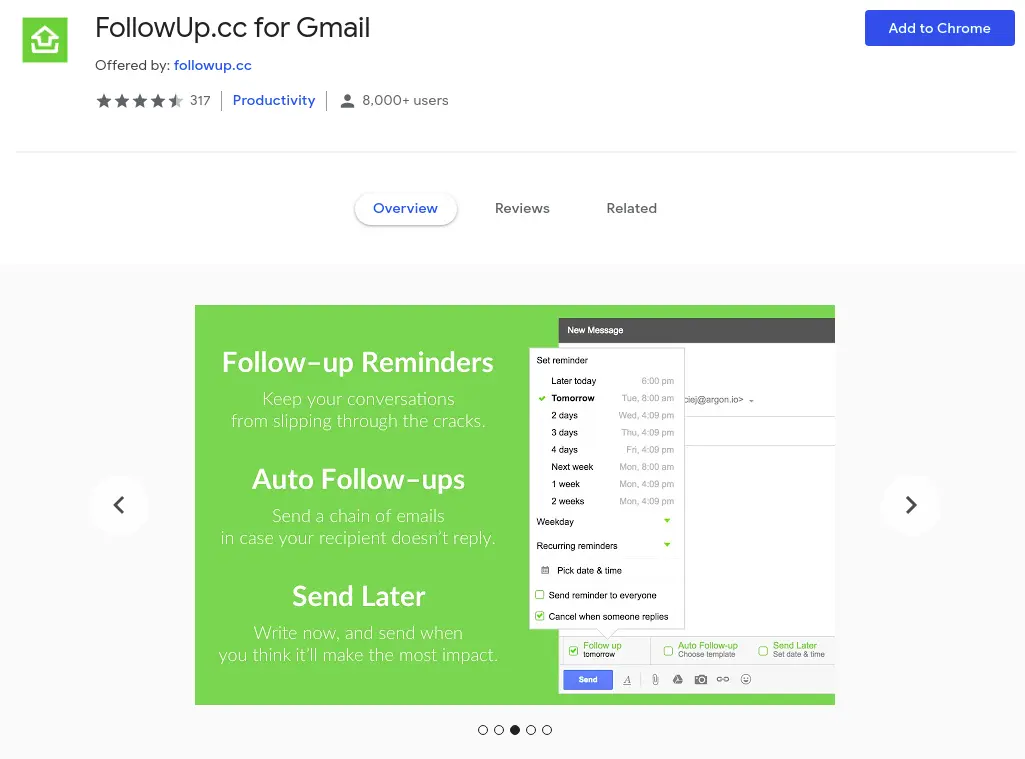
This is a lightweight mail tracking plugin for Gmail that is mainly used for scheduling follow-up emails.
Not only emails, but you can schedule specific web pages, online convos, or even a social media profile to check later.
Features of FollowUp.cc
- Schedule reminder mail
- Email open tracking
Checker Plus – Multiple accounts
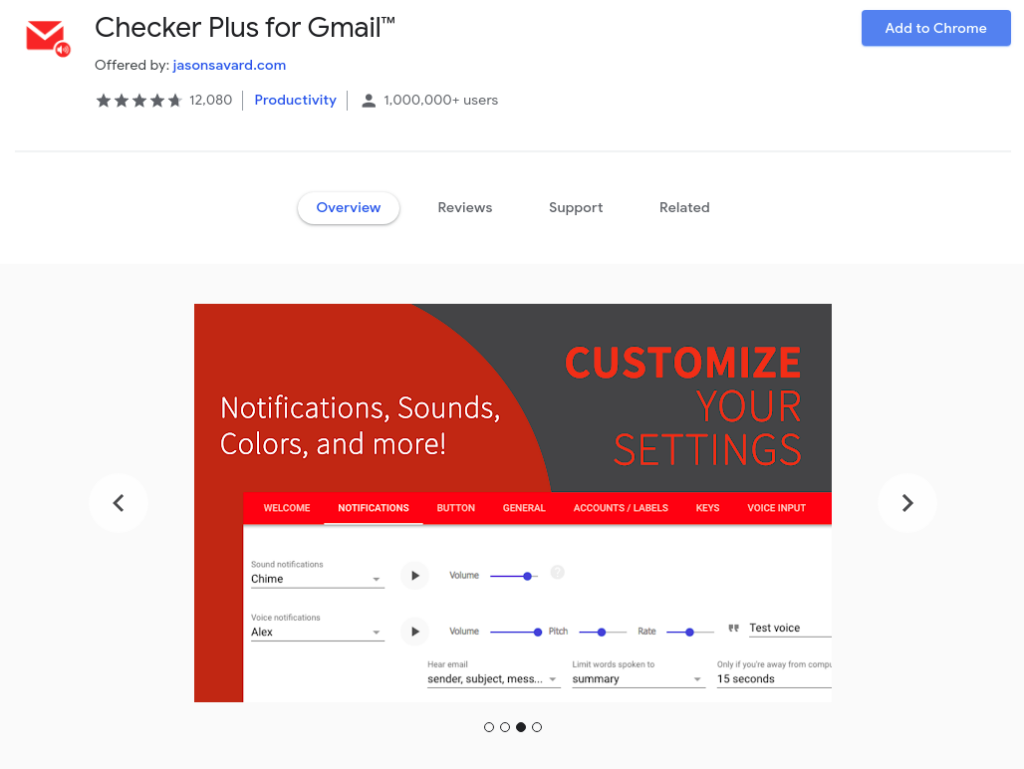
Checker Plus extension is helpful to those who use multiple Gmail accounts at the same time.
Switching between the accounts to check mail and notifications is a hassle. In a click, it shows all of the currently open Gmail accounts, and the panel displays the new emails and notifications.
Features of Checker Plus:
- Supports Push Notifications
- Voice notification
- Runs in the background
- Supports offline views
Hubspot Sales
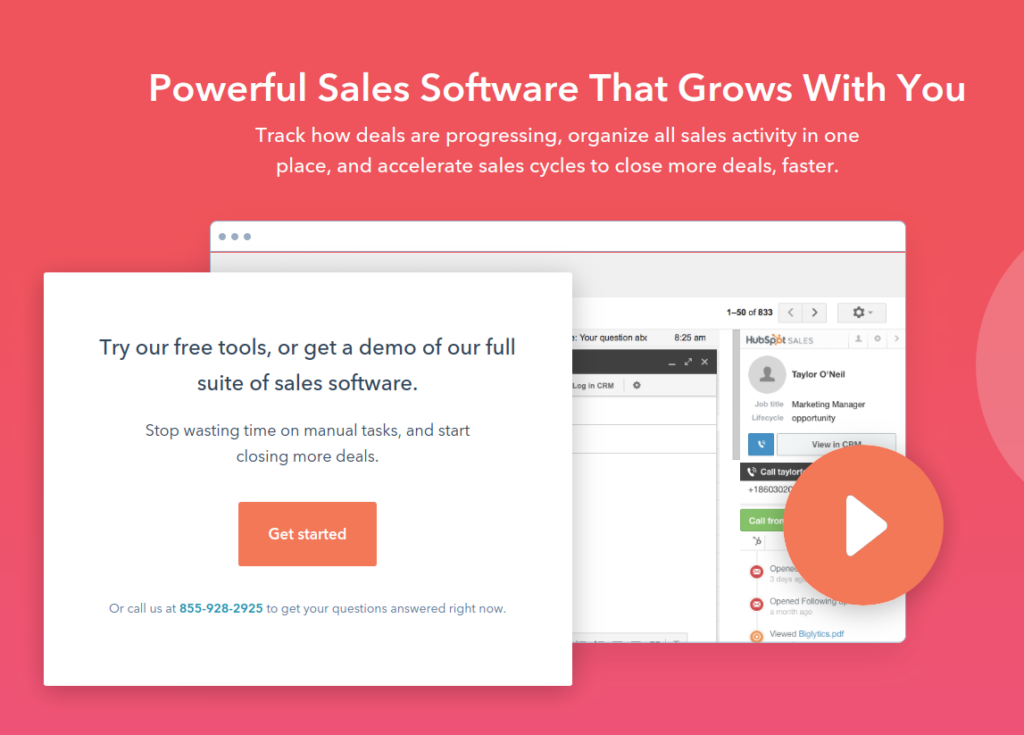
HubSpot Sales is a comprehensive sales tool with lots of functions under its belt. This is a trusted Gmail manager and has more than 662k installations.
Features of HubSpot Sales:
- Email tracking
- CRM for Gmail
- Create share email templates
- Meeting scheduler
- Automated personal outreach
Vocus.io
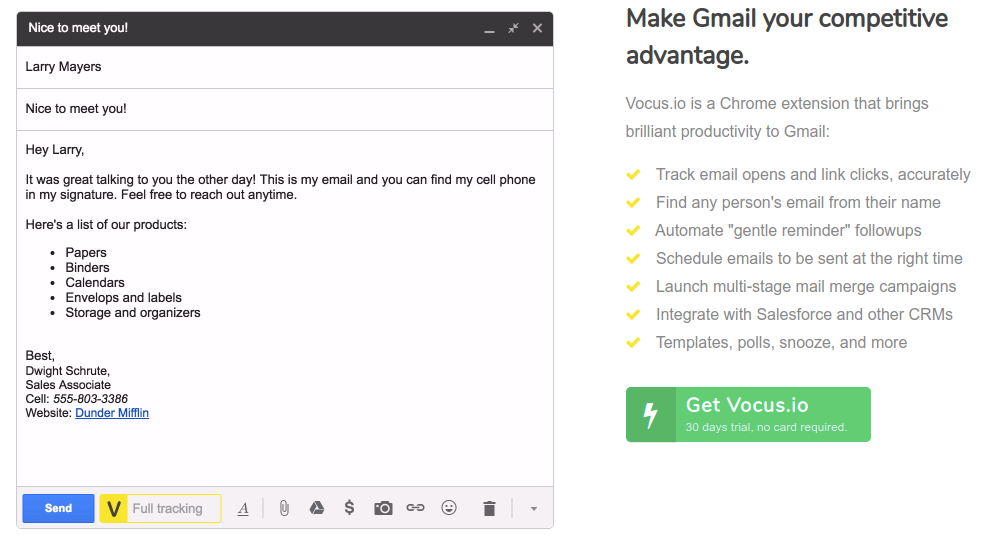
Vocus.io is a Gmail productivity app that is also an inside sales enabler with various features such as email tracking, automated follow-ups, and mail merges.
Features of Vocus:
- Track email opens and link clicks
- Find the mail of any person
- Schedule reminder
- Integrate with other CRMs
- Coordinate with the team for scheduling meetings
- Lightweight and fast
Trello for Gmail
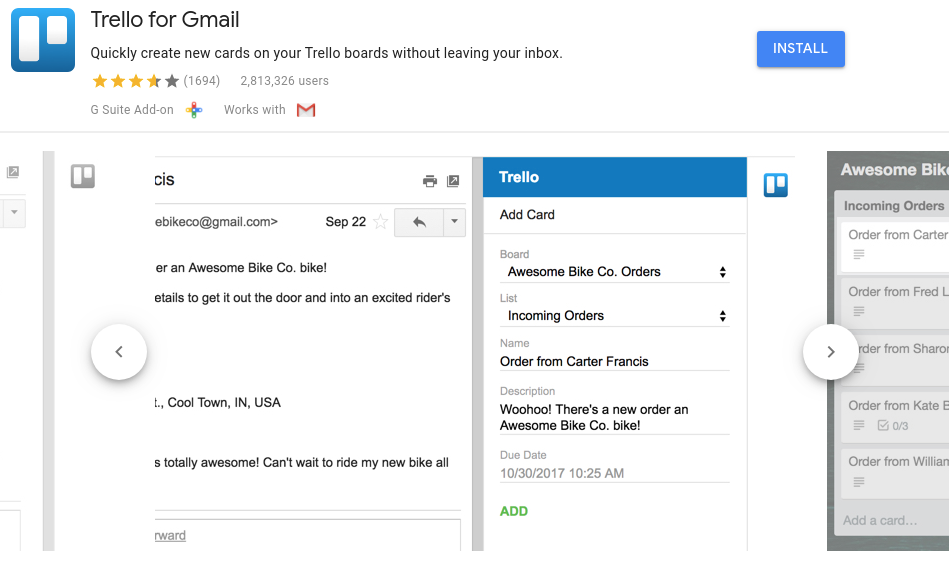
Trello for Gmail is a simple Gmail add-on that lets you create new cards to your board from your inbox. You can import the content of the mail to the task without leaving the mail.
Features of Trello for Gmail:
- Create new cards from the Gmail inbox
- Import the content of the mail to the card description
Asana for Gmail
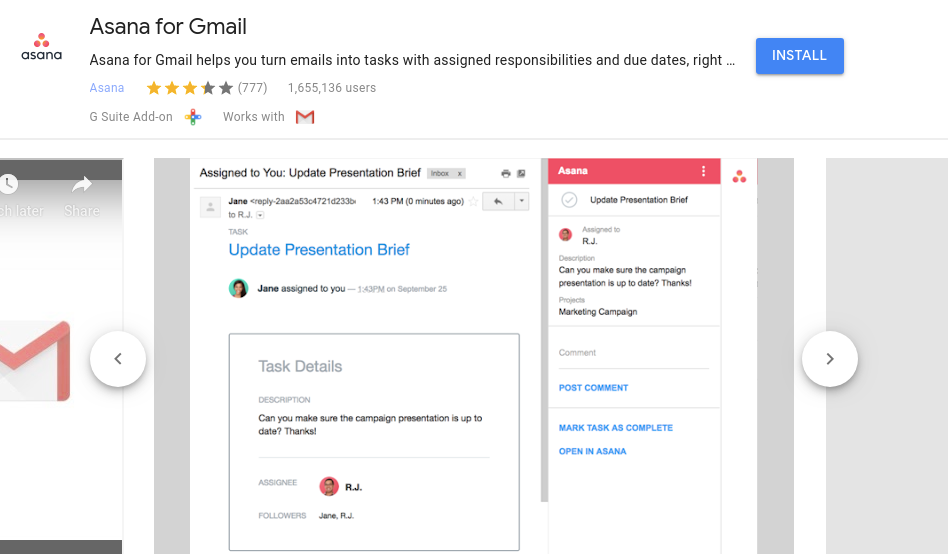
Similar to Trello, but Asana for Gmail is for Asana users. However, Asana for Gmail offers you a search function.
Features of Asana for Gmail:
- Add new Asana cards
- Import email content and attachments to the Asana card
Wrike
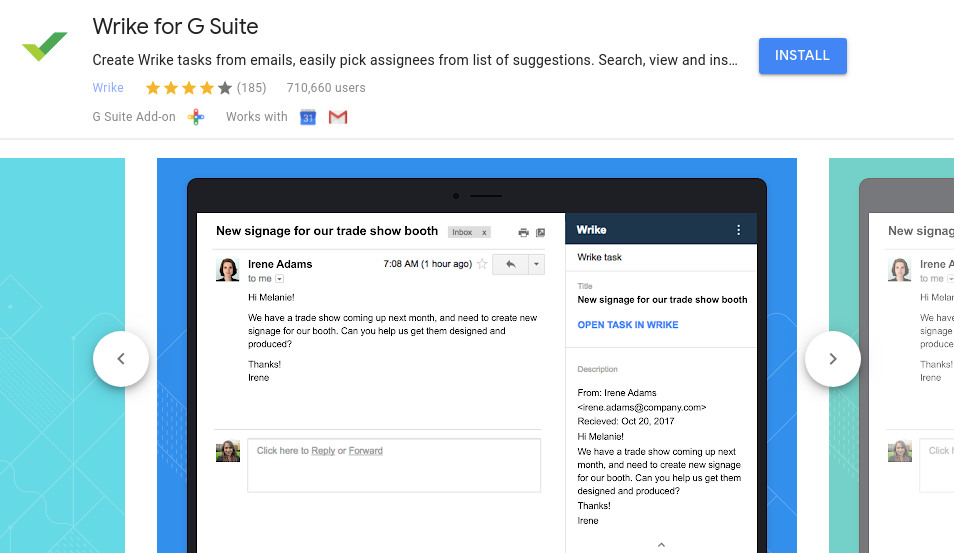
Wrike for Gmail allows users to create Wrike tasks from inside the emails, view and edit tasks. You can also send and receive Wrike comments in Gmail.
Features of Wrike for Gmail:
- Create new tasks from Gmail
- Send and receive Wrike comments
- Add emails as comments to tasks
Sortd for Gmail
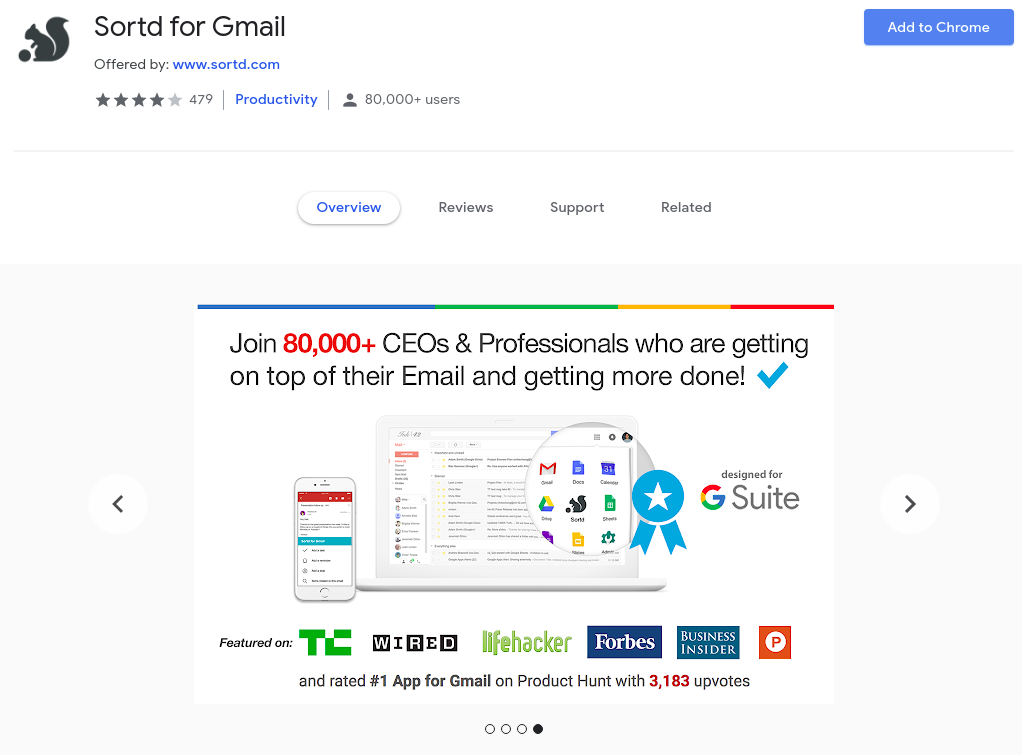
Sortd is a powerful extension that transforms your Gmail Inbox into a dynamic workspace that boosts your productivity and simplifies your life.
Features of Sortd For Gmail:
- Works inside Gmail
- Neat multi-list Trello-style layout
- Drag and drop to prioritise your emails
- Manage ToDos and emails in the same Workspace
- Rename your lists, so Sortd works the way you work
- Group multiple conversations together
- Follow-up list
- Reminders
MiesterTask
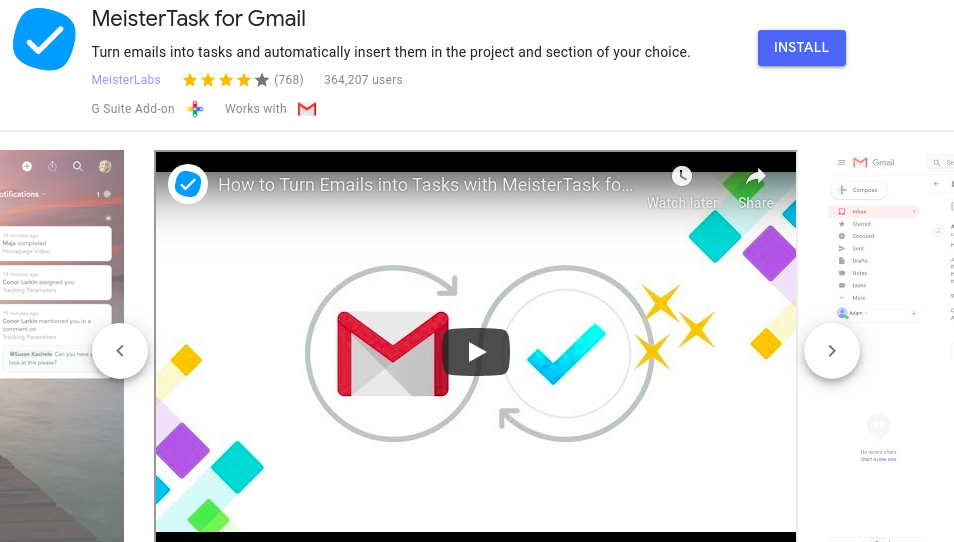
MeisterTask turns emails into tasks and inserts them in the project and section of your choice.
It is a project management tool that helps with an efficient workflow.
Features of MiesterTask Add-ons:
- Works inside Gmail
- Clean Trello-style layout
- Drag and Drop function
- ToDo and emails in the same Workspace
- Follow-up list
ToDoIst for Gmail
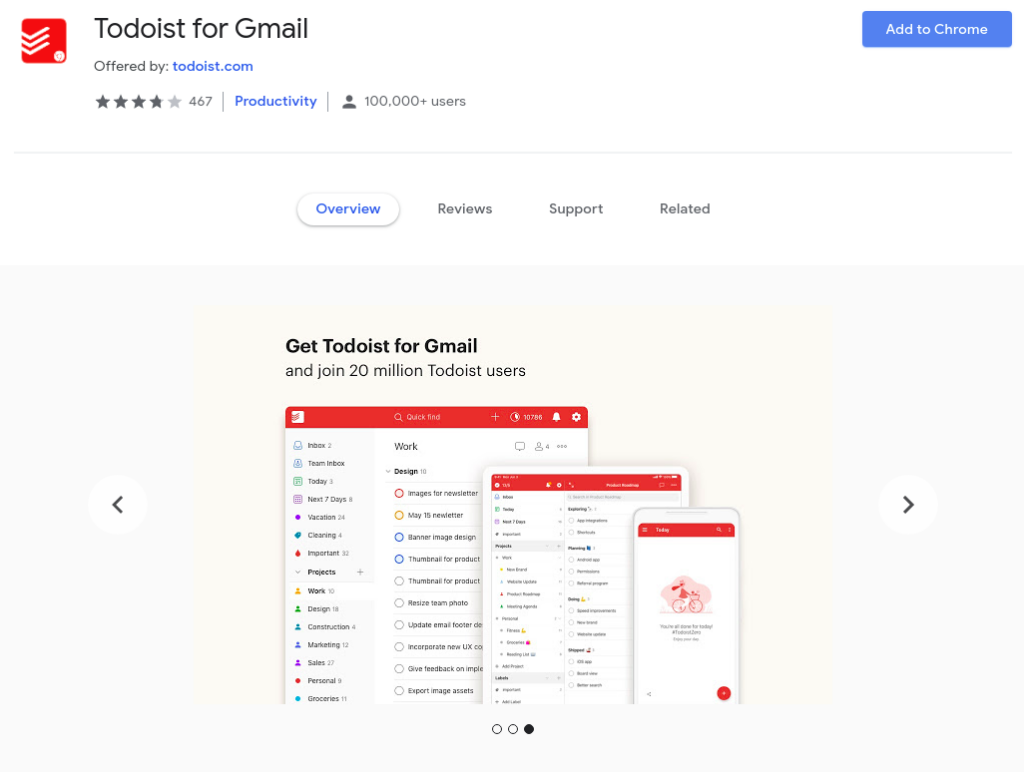
The Verge ranked the To-Doist “the best to-do list right now”.
It is used by 20 million people to organise work and life and to keep tabs on all those incoming emails.
Features of ToDoIst for Gmail:
- Add emails as tasks
- Remember to follow up
- Complete tasks from Gmail
Zoom for Gmail
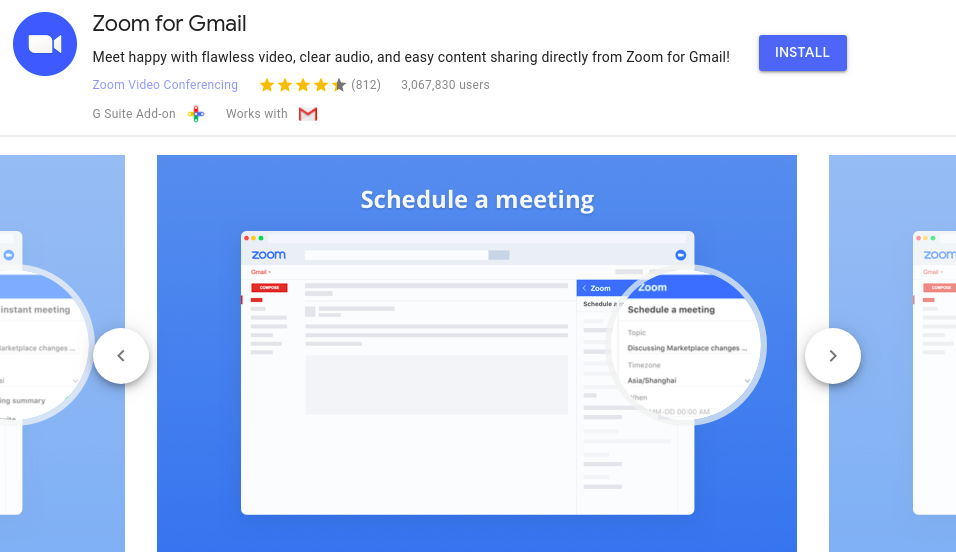
Zoom’s integration with Gmail allows you to instantly escalate any chat to a video collaboration session with a frictionless experience across desktops, mobile devices, and conference rooms.
Features of Zoom for Gmail:
- Integrated with Gmail and Google Calendar
- Start or schedule with the Chrome extension
- Send video invitations to the Gmail contacts
DragApp
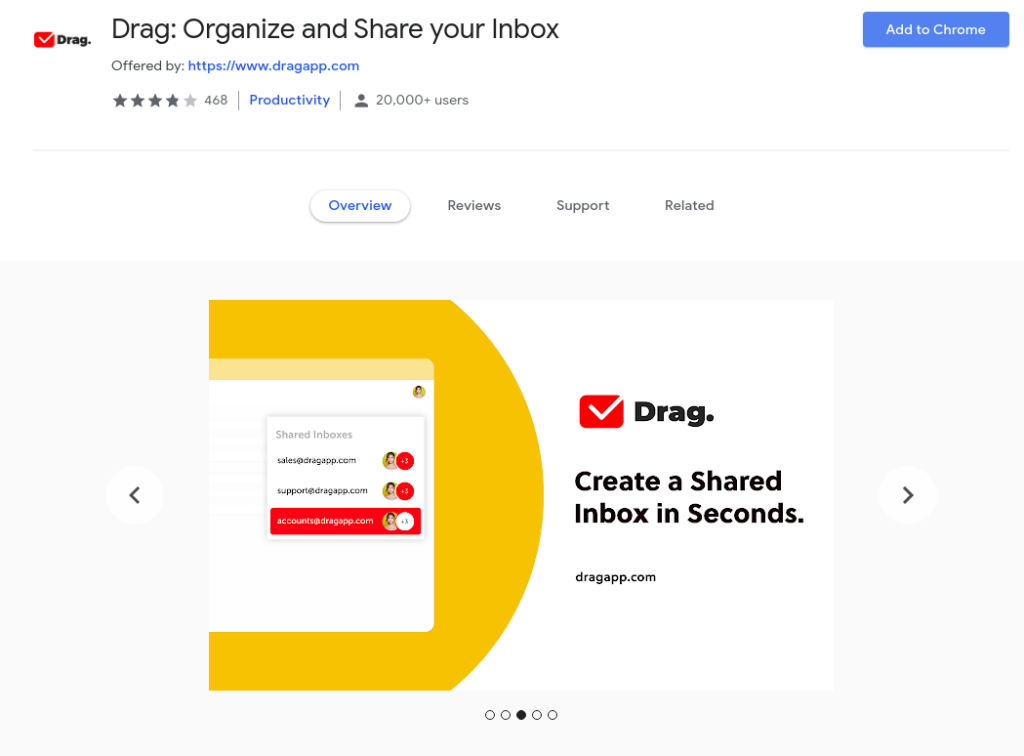
DragApp is the Everything Inbox for Teams – one place to run your business. You can transform Gmail into organised lists in a Kanban layout.
Features of DragApp:
- Turn Gmail into a Drag board
- Create a shared inbox in seconds
- Create custom boards for anything
- Create custom boards for anything
Insightly CRM for Gmail
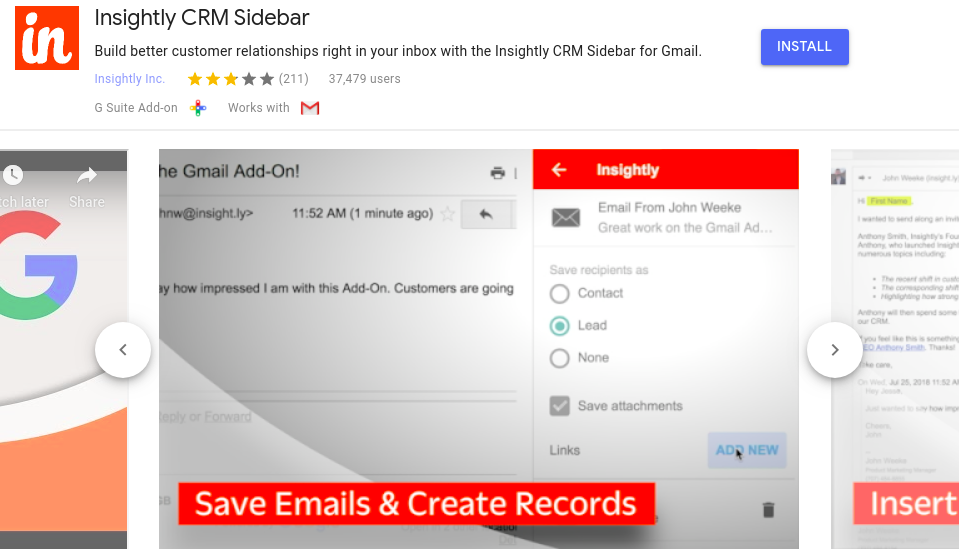
The Insightly Sidebar Chrome browser extension gives you direct access to your Insightly CRM account while you’re viewing your Gmail inbox.
Features of Insightly for Gmail:
- View Insightly information for an email contact or lead.
- Create a new Insightly contact
- Save email messages
- Android and iPhone compatible mobile CRM App
Streak
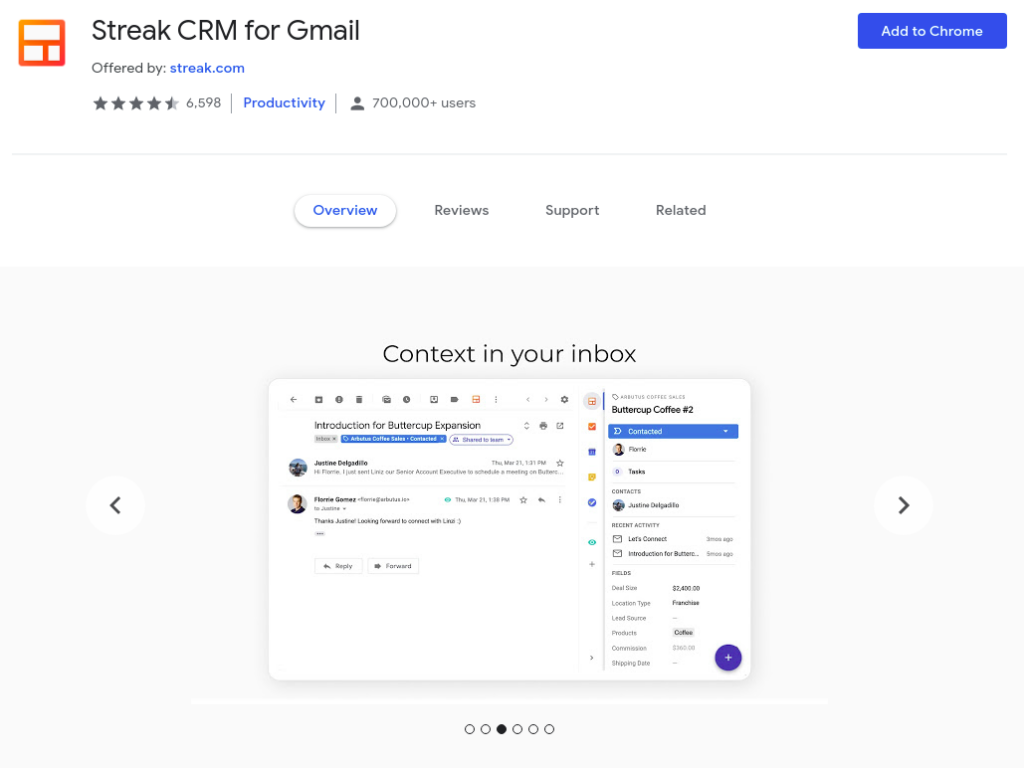
You can manage sales and customer relationships directly inside Gmail with Streak CRM, instead of switching back and forth between your inbox and other tools.
Features of Streak CRM:
- Collaborate and share emails, notes, and call logs with your team
- Capture data from the contacts and emails
- Eliminate repetitive emails using Snippets and Mail Merge
- Schedule crucial emails for the appropriate time
- Native Android and iOS apps
- Integrations with GSuite, Zapier, and APIs
- Rigorous security and privacy
Shared Contacts For Gmail
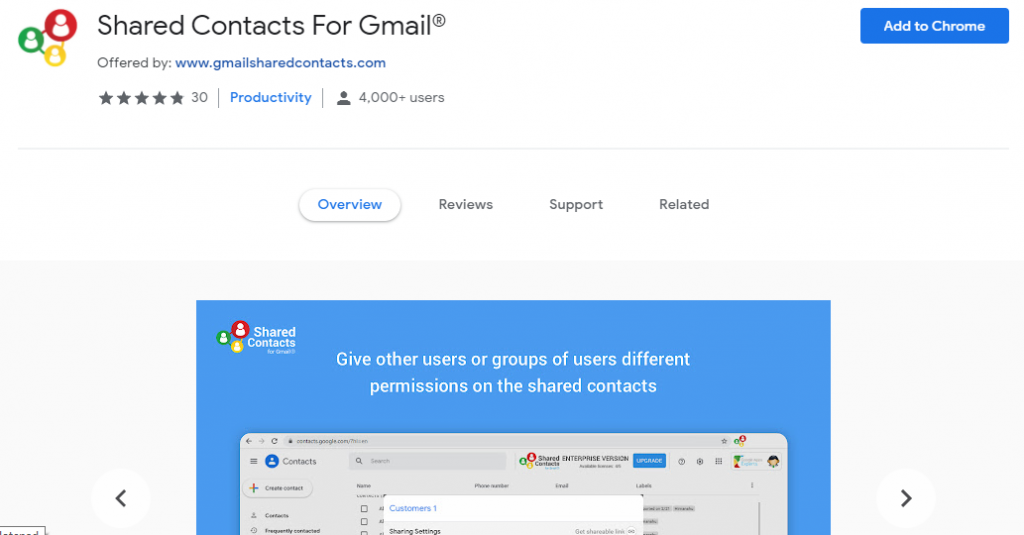
Shared Contacts for Gmail is the ultimate contact management and contact sharing app for all the Google Workspace (previously G Suite) and Gmail users.
It is a powerful extension that makes Google Contacts 10X more effective, with the ability to share contact groups/labels with any other Gmail users, just like you share Google Docs.
Features of Shared Contacts for Gmail:
- Access shared address books from everywhere
- Define access permissions in your organisation
- Share and synchronise contacts from Google Contacts
- Unlimited sharing of contacts and contact groups
- Mobile/Tablet & Outlook sync
- Permissions Management
- Live Chat and Email Support
- Sharing with external domains
- Instant Synchronization
- Advanced logging and security features
- Unlimited Contact Backup
Flowcrypt
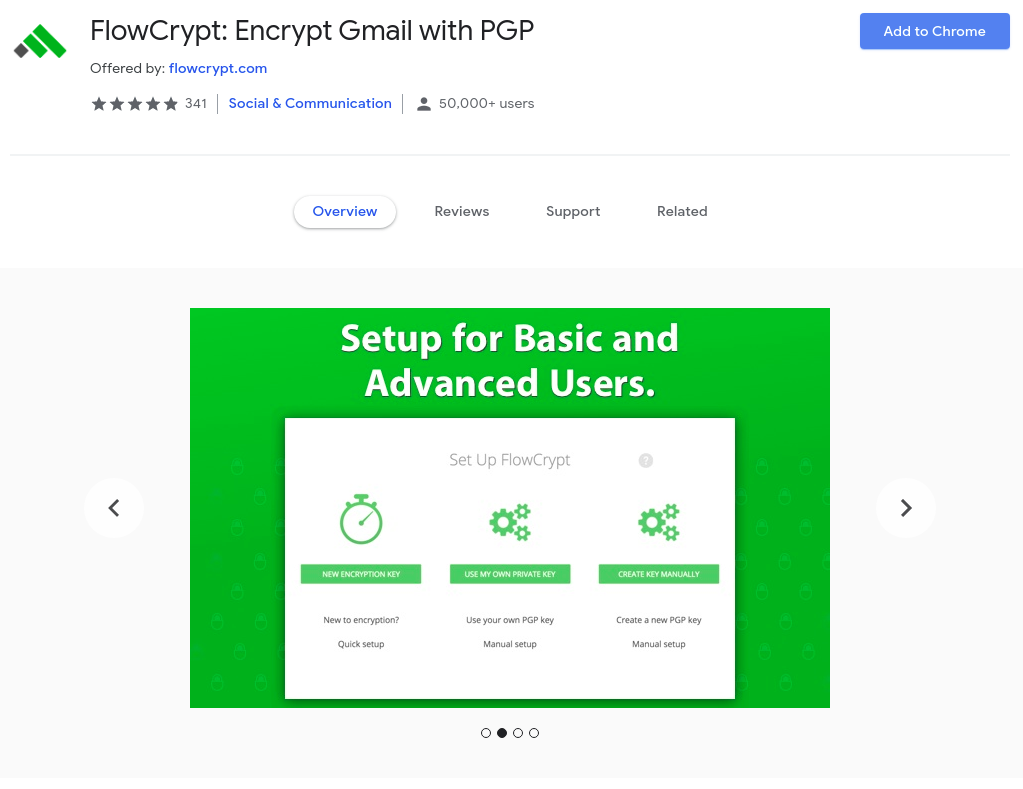
FlowCrypt secure email and attachments by encrypting the end-to-end communication. With FlowCrypt, you can use PGP encryption to add an extra layer of security to your email.
The extension integrates seamlessly with Gmail and adds an ‘Encrypt and Send’ button to the mail composer.
Digify
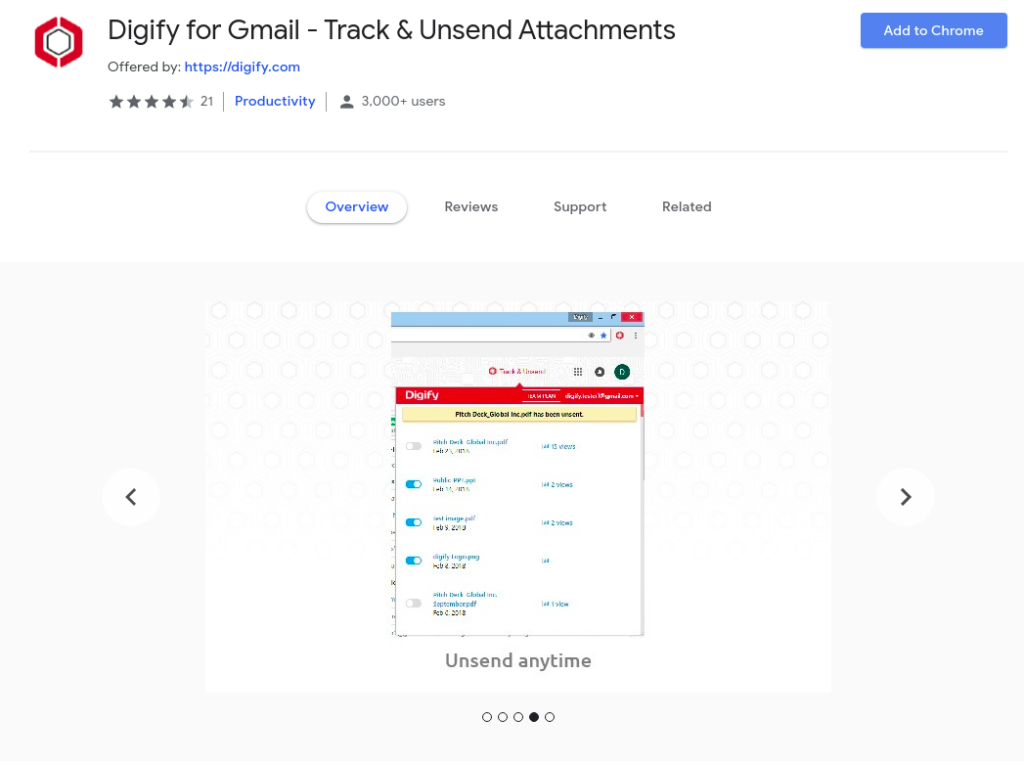
Digify is an Email Tracking tool for your file attachments in Gmail. It tells you when your attachment has been opened, read, printed, or forwarded by the recipient.
The best function of the Digify extension is that you can assign a self-destruct to the files, so they will be deleted automatically after reading.
You can also unsend the files, and the attachment will vanish from the recipient’s inbox.
Digify protects your documents from falling into the wrong hands.
Unroll.me
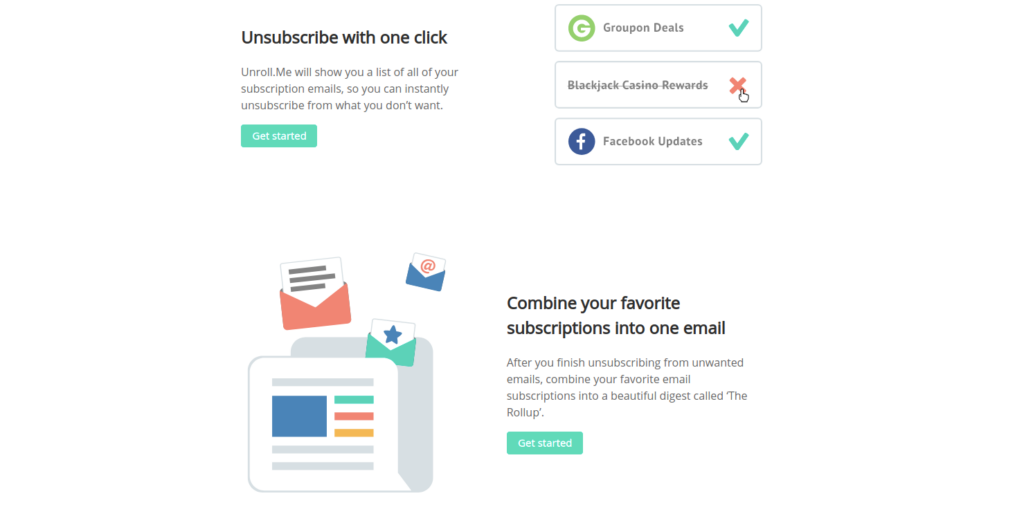
Do you hate all the subscription emails hogging up your space and cluttering your mailbox?
Unroll displays all of the membership emails in one place. You can unsubscribe from multiple sites in a few clicks and clean your mailbox.
WiseStamp
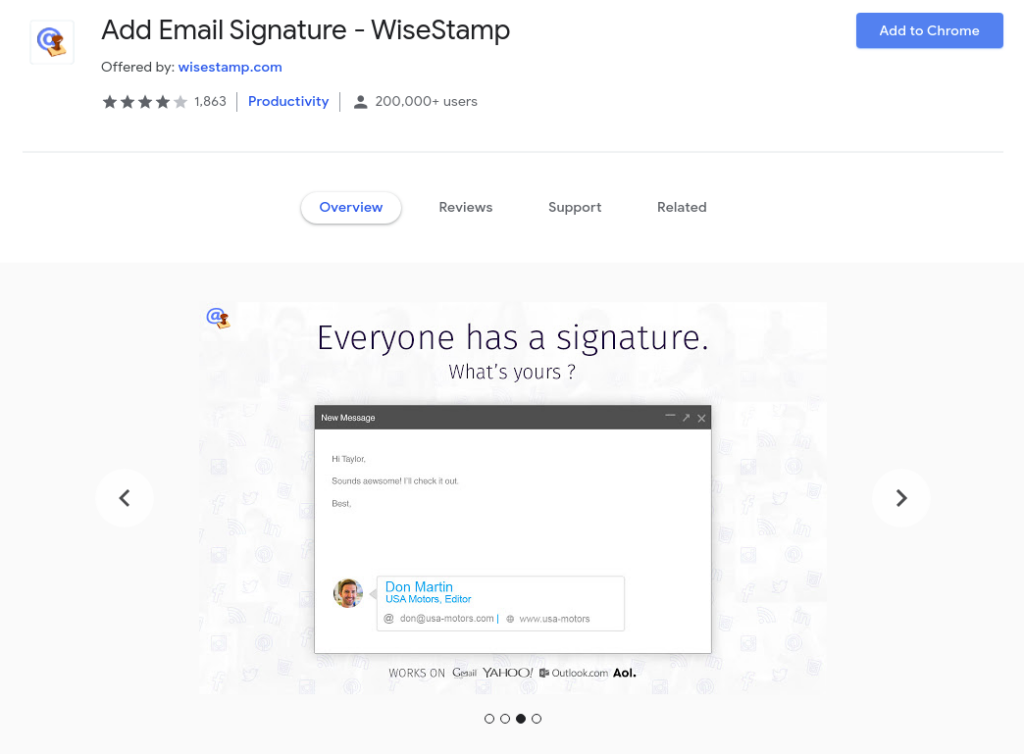
You lost a branding opportunity whenever you send an email to anyone without the company or brand information.
WiseStamp enables you to create a signature filled with social profiles and information that you want to promote via email.
Features of WiseStamp:
- Easy setup & configuration interface
- Personally designed signatures
- IM and social services icons
- Automatic signature insertion
- Sync between computers
DocuSign
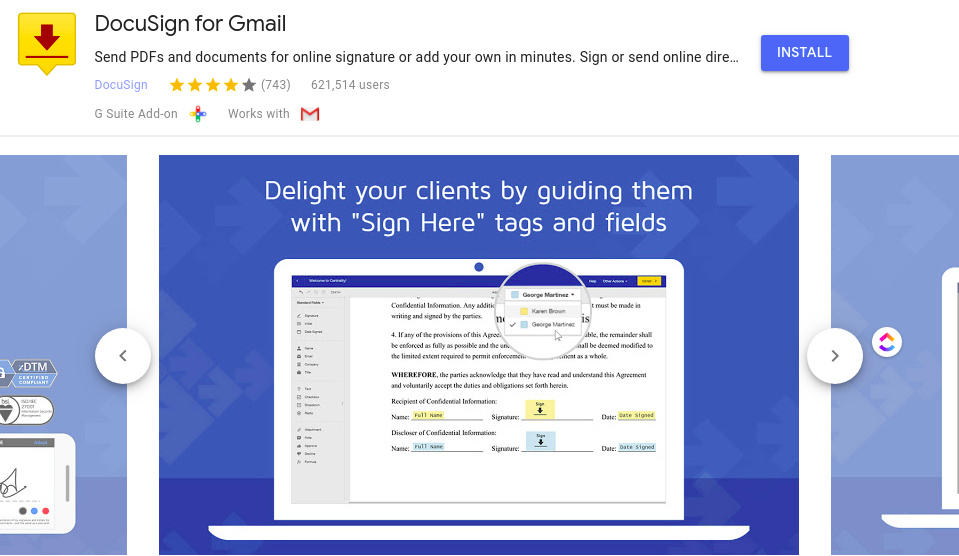
DocuSign is a popular name when it comes to eSignatures.
The Gmail add-on of DocuSign makes it easier to send out documents for signature.
The recipient can open and sign the document directly from Gmail. Then the signed document could be sent back with a click.
The process of printing, signing, scanning, and then sending just comes to opening up the documents and then signing them.
It saves a lot of time.
Features of DocuSign:
- Sign directly from Gmail
- Sign in from any browser
- Unlimited Signing
- Access account from any device, anywhere
Clearbit Connect
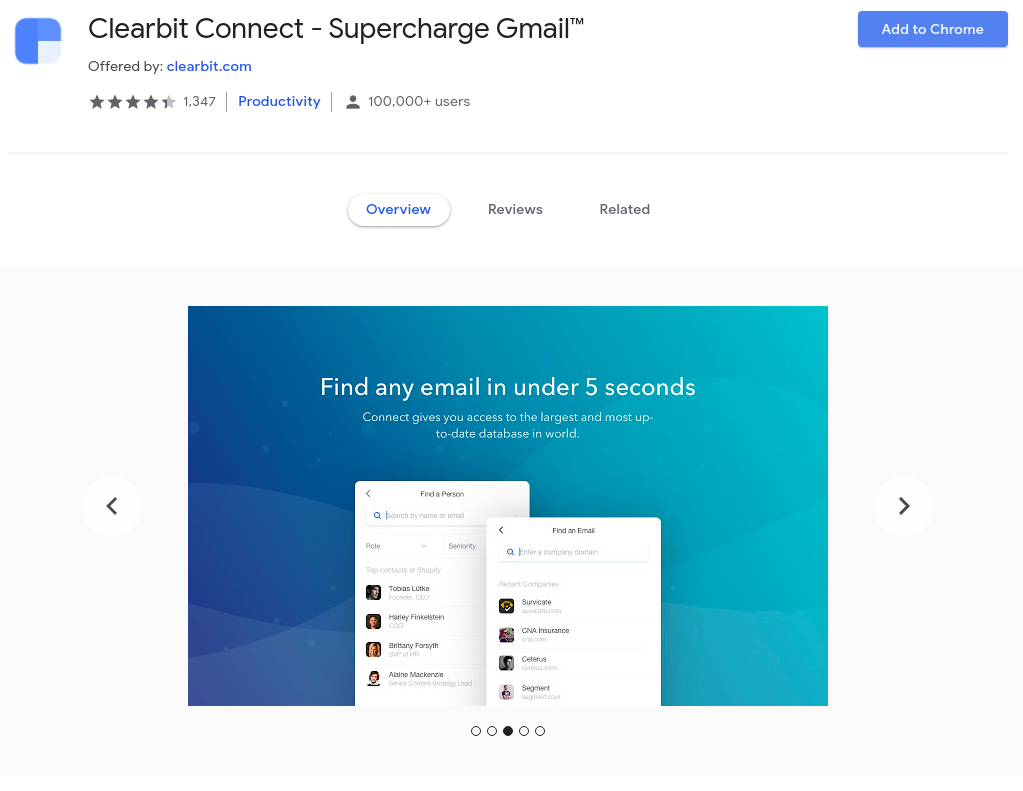
Clearbit Connect helps you to find the email addresses for employees for any company and display useful contextual data for anyone who emails you.
It gives you access to the largest database in the World. After installing Clearbit Connect, the information of millions of companies and people will be a click away.
It is a simple widget that can be found in the sidebar of Gmail. It displays useful information about the people who email you.
Sales Navigator for Gmail
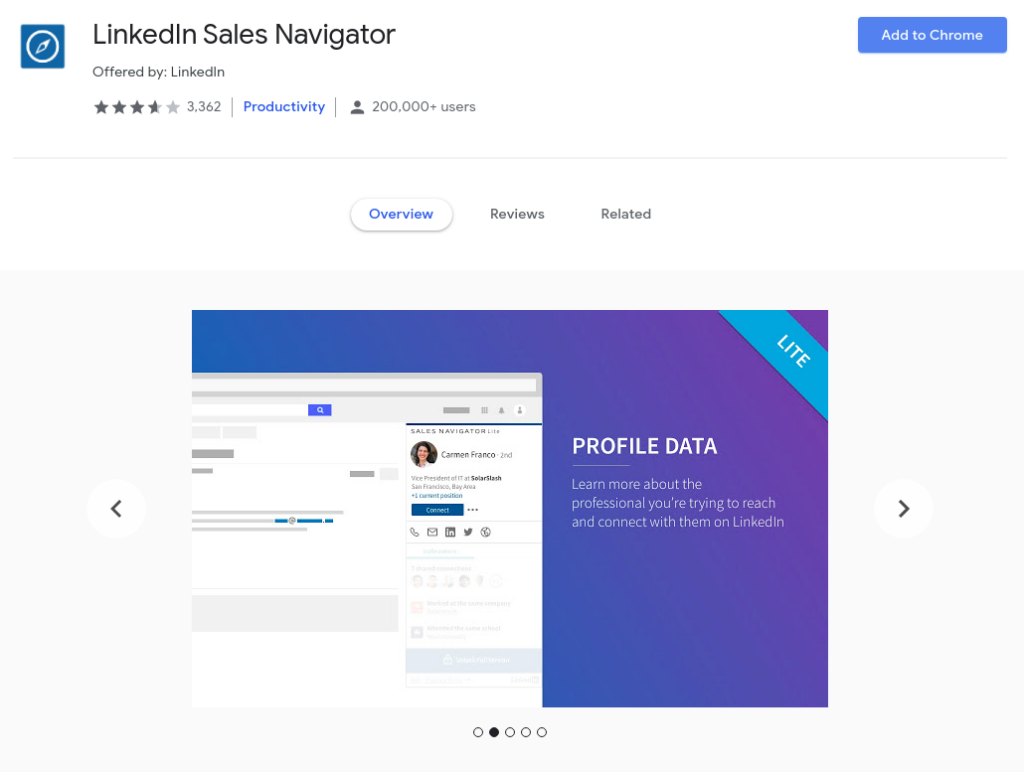
This is a Chrome extension from LinkedIn itself. It displays the LinkedIn profile information of the person in the sidebar.
It is a free and convenient way to build better relationships by surfacing LinkedIn insights about your prospects and customers without having to leave your inbox.
Features of Sales Navigator:
- See rich LinkedIn profile data for your contacts directly in your Gmail
- Hover over the email to quickly view the LinkedIn profile associated with that email
- Save contacts as leads in your Sales Navigator account
- Use TeamLink to see if prospects are connected to your colleagues
Giphy
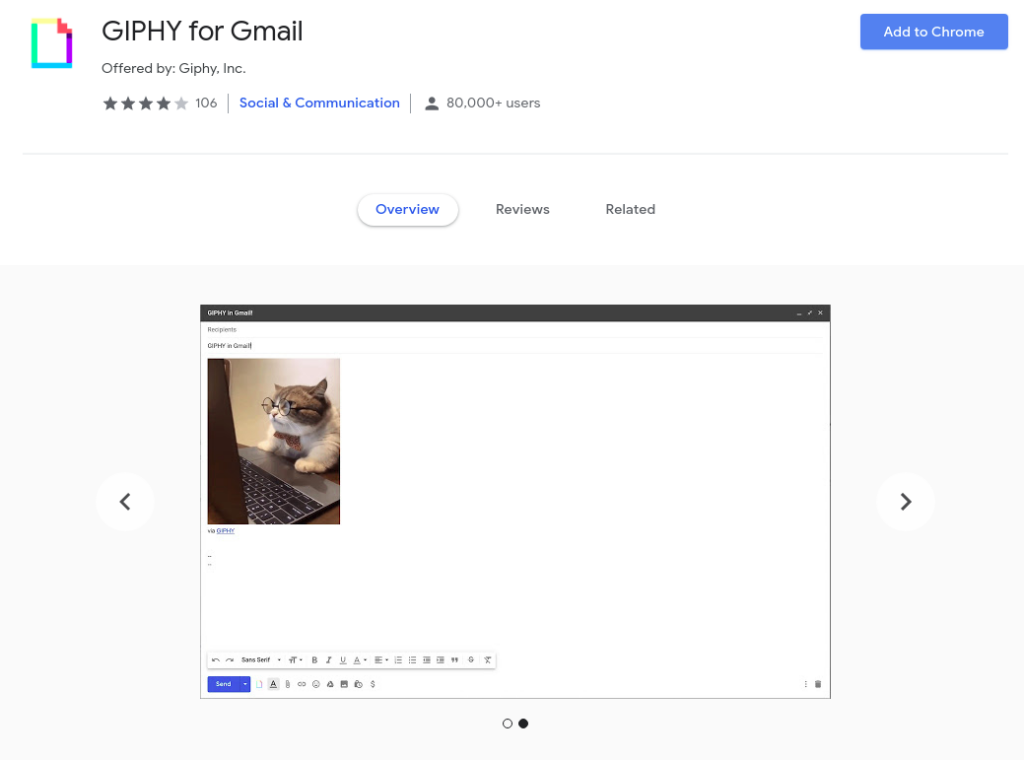
Giphy makes mail interactive with GIFs. Giphy extension opens up the GIF space inside the Gmail composer. You can search and find the best GIF to send with the mail.
Instead of saving the GIFs to your desktop and then uploading them, you can post them directly to the mail. Get access to complete catalogues of Giphy with the Giphy extension.
Dropbox for Gmail
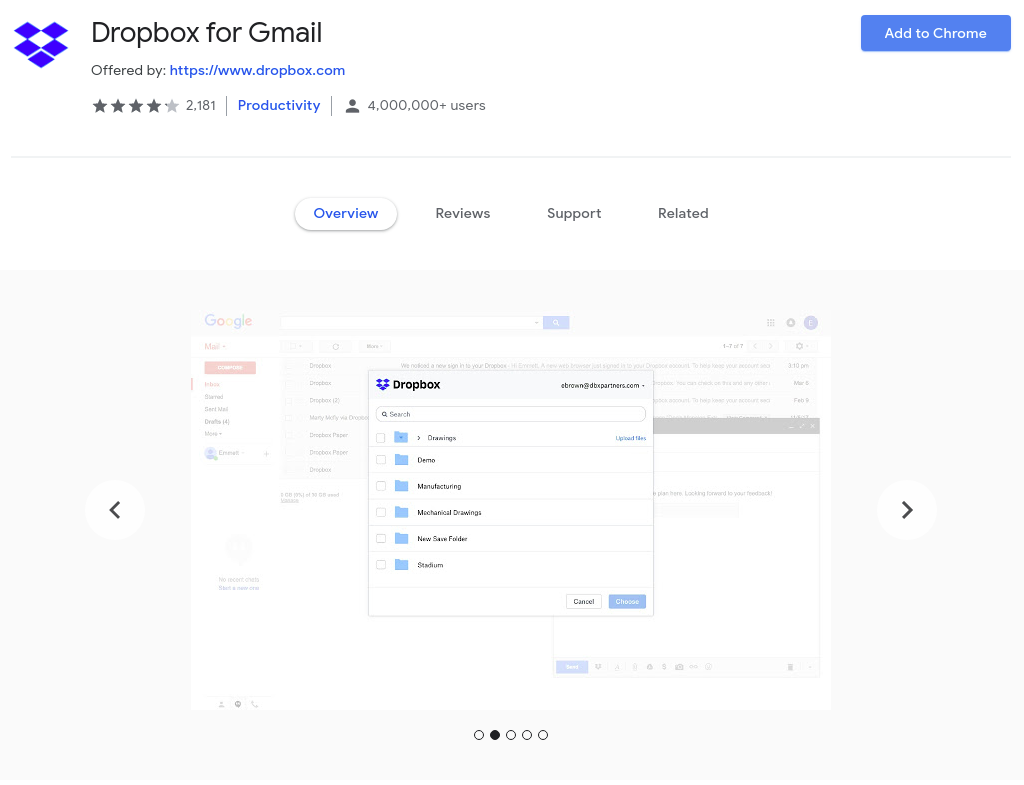
Dropbox extension lets you browse your Dropbox files and folders without leaving the Gmail window. You can send and preview Dropbox files and links quickly and save time.
By adding a Dropbox button to Gmail Compose, it becomes really easy to send Dropbox shared links in email, allowing you to share large files and save space in your Gmail inbox.
Features of Dropbox:
- Quickly access the recent files with the recent files tab
- Search function to find the files quickly
- See the rich preview of the document
Mail track – Mail seen
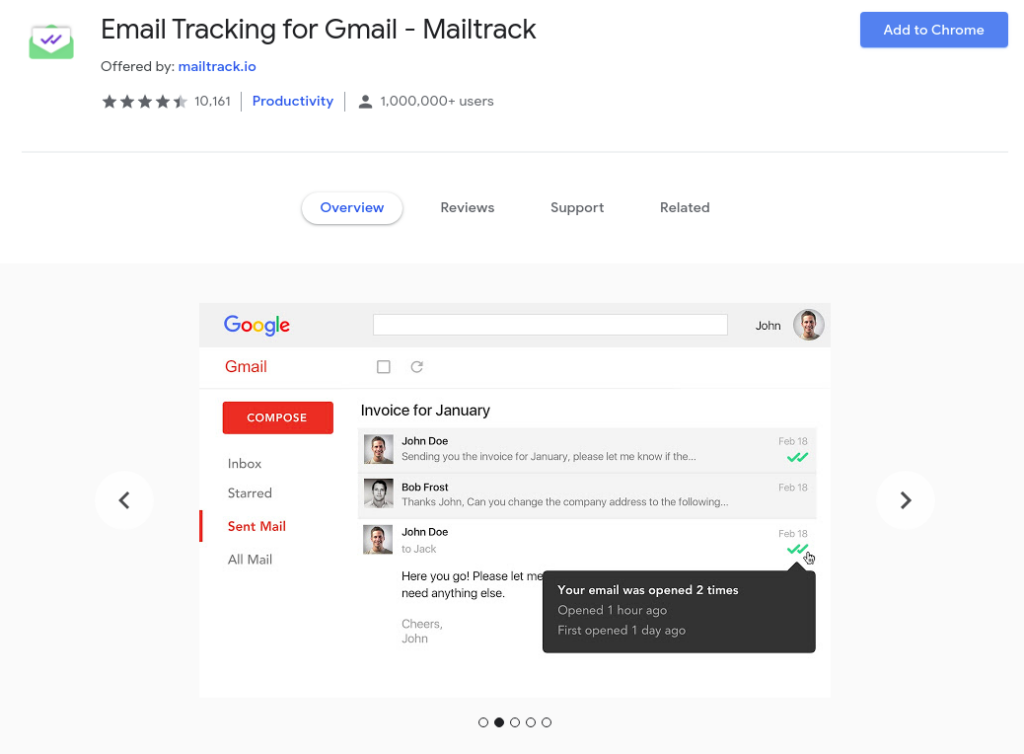
Do you wonder if the recipient has seen your email and not replied to you?
Gmail does not tell you if the receiver has opened the mail. But there is a simple solution — Mail Track.
The extension tracks the email activity and keeps you updated with real-time notifications about your mail.
Features of Mail Track:
- Track your mail
- Real-time notifications
- Fast and lightweight
- Secure and reliable
Evernote for Gmail
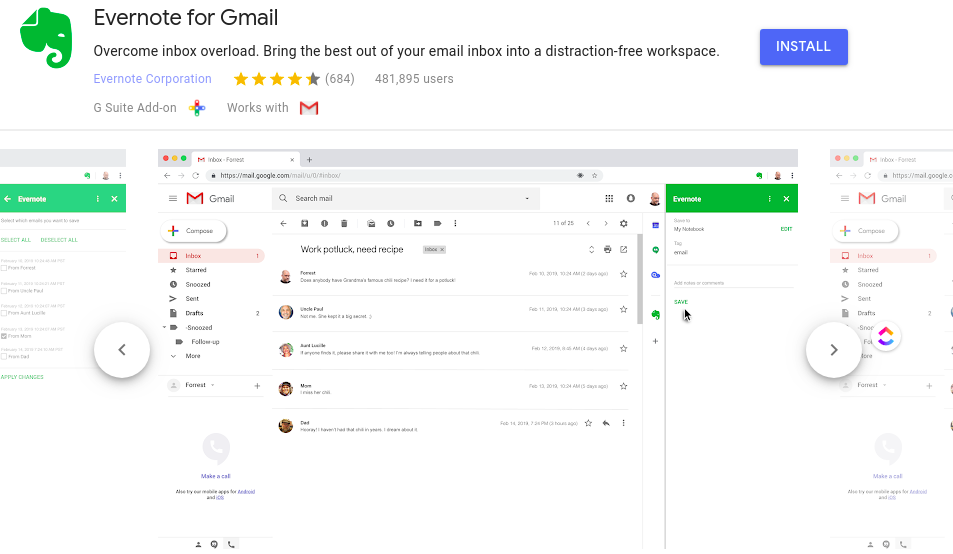
Evernote for Gmail lets you take what matters out of your inbox and into a distraction-free workspace where you can curate your content, add context, and stay focused.
Gmail is usually filled with several unnecessary emails. With the Evernote Add-on, you can transfer the important stuff to your Evernote account to focus on later.
Features of Evernote:
- Move your emails into Evernote
- Keep emails in Evernote
- Store your content in an organised way in Evernote.
- Save essential emails into notes and share them as public links to Evernote.
Right Inbox for Gmail
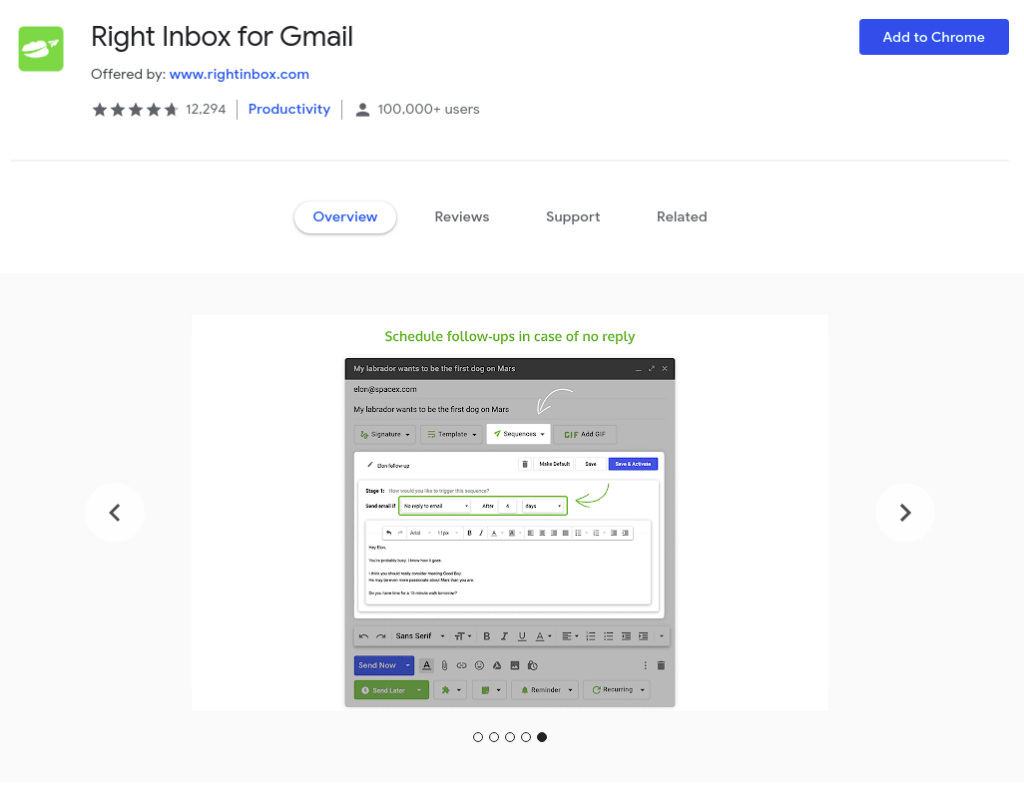
Right Inbox effectively improved the capabilities of Gmail by installing the new functions. This one extension does the work of ten extensions.
The integration with Gmail is smooth, and it is very lightweight despite having many functions. It is a powerful extension.
Features of Rightinbox:
- Track email opens and clicks
- Automate recurring emails to be sent out every time you need them to
- Attach private notes that only you can read
- Use templates to write emails faster
- Switch between multiple signatures with one click
- Send sequences with follow-ups that automatically send if a recipient doesn’t reply (and are cancelled if they do)
- Set reminders not to lose track of meaningful conversations
- Sync relevant emails with your favourite CRM application
- Share visual previews of web links within your emails, like on social media
- Embed GIFs from GIPHY within your emails to liven up your communication
Flashissue for Gmail
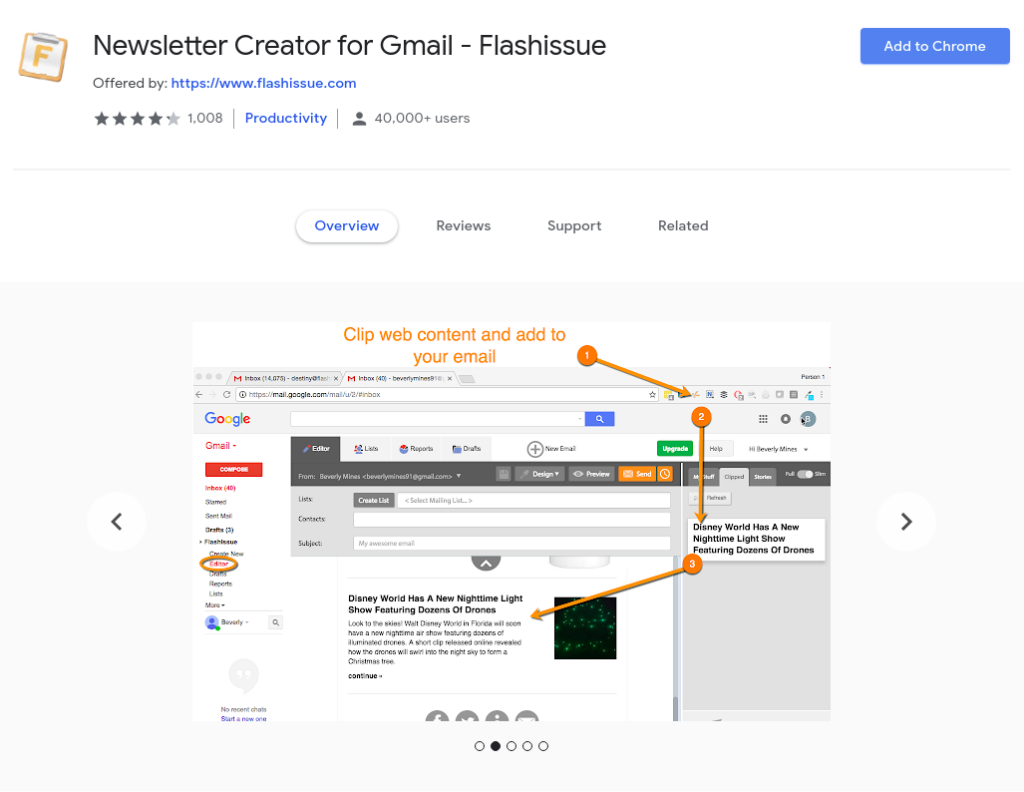
Flashissue newsletter creator lets you design newsletters and sends a mass email campaign from Gmail. Now you can send 100 emails or 5,000 emails without breaking Google sending limits.
It is easy to create attractive newsletters and emails with the help of Flashissue. The integration adds multiple tools that help in designing the emails. It is an excellent tool for new marketers and bloggers.
Features of Flashissue:
- Bookmark web content
- Drag & drop editor
- Create email lists from Google Contacts and Google Groups
- Manage email subscriptions and unsubscribes automatically
- Track newsletter opens, clicks, and bounces
- Invite team members to collaborate with you
Summary:
Best Gmail Extension for Productivity:
- Gmelius
- Boomerang
- Inbox When Ready
- Simple Gmail Notes
- FollowUp.cc
- Hubspot Sales
- Vocus.io
- Checker Plus – Multiple accounts
Best Gmail Extension for Project Management:
- Trello for Gmail
- Asana for Gmail
- Wrike
- Sortd
- MiesterTask
- ToDoIst
- Zoom
- DragApp
Best Gmail Extension for CRM:
- Insightly CRM
Best Gmail Extension for Security:
- Flowcrypt
- Digify
Best Gmail Extension for Cleaning Gmail:
- Unroll.me
Best Gmail Extension for Signatures:
- WiseStamp
- DocuSign
Gmail Extension To Find Email Address:
- Clearbit Connect
- Sale Navigator
Wrapping Up
Although. Gmail Extension and Add-ons increase productivity by adding a useful function inside Gmail, but there are so many of them.
This article lists a few that are best in their field. You do not need to install all of them, just the one that you find helpful for your work.
Do tell us which Gmail extension or Gmail Add-Ons you liked the most and use regularly.