Are you looking to disable the Remember Me in WordPress login page?
The Remember Me plugin is useful as you do not always have to enter the username and password. WordPress will remember your username and password, making it convenient for the users to log in to the website.
But it does have several WordPress security concerns.
In this quick tutorial, we will show you how to disable Remember Me on the WordPress login page.
Why Disable Remember Me in WordPress?
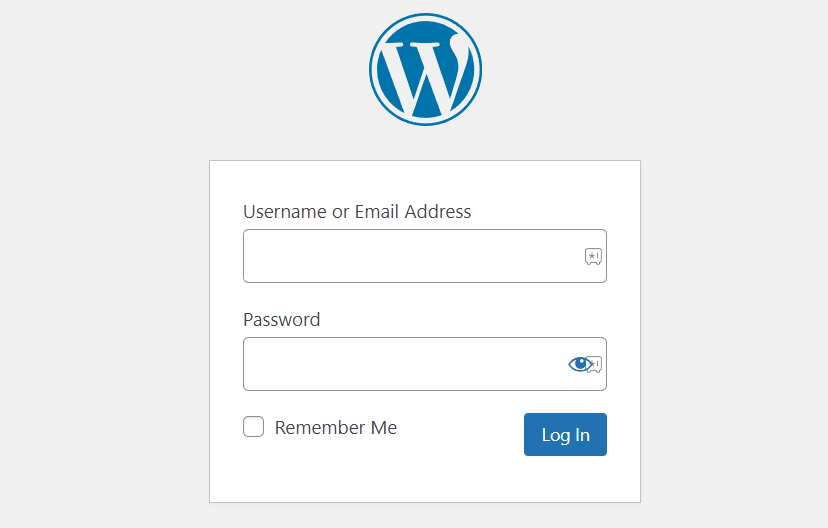
Storing the username-password anywhere besides your mind is a potential security threat. And saving it using the Remember Me option means keeping it in your browser’s memory which is not safe.
It is somewhat secure and okay for people who have personal computers. The users that access their accounts from mobile phones and public computers or over the public internet are more prone to lose their accounts.
The WordPress login page is an important checkpoint, and you should prioritize making it secure. Adding security questions, keeping a strong WordPress password, disable comments, changes login URL, protecting admin page with passwords and disable directory browsing are several ways to do it.
One more thing.
Are you the only person with access to the website? Are there different users with different user roles using the website.
Because you might be taking complete security care regarding the Remember Me option, but other people might not. And it is one reason why WordPress website get hacked.
Disabling the option disallows users to save their username-password to an unsecure computer. So if you have a remote team, you should consider disabling the Remember Me option.
How to Disable Remember Me in WordPress Login?
We will disable remember me in WordPress login with the help of Remember Me Controls plugin. The plugin enables the Remember Me customization so you can make changes to the settings.
With plugin, you can:
- Automatically check “Remember Me”: Automatically checks Remember Me option when a user logs in.
- Customize the duration of the “Remember Me”: Assign the duration the WordPress will remember the user’s login sessions. Forever or a set number of hours.
- Disable “Remember Me”: Ability to completely turn off the “Remember Me” checkbox, so no one uses it.
So let’s set the Remember Me Controls plugin to disable the ”Remember Me” checkbox from the login page.
#1 Install the Plugin
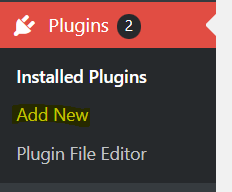
Login to your WordPress website, and click on the Plugin option from the left-hand admin panel. Select the Add New option.
Type Remember Me Controls in the available search box and hit enter. The result will show all the related and additional plugins.
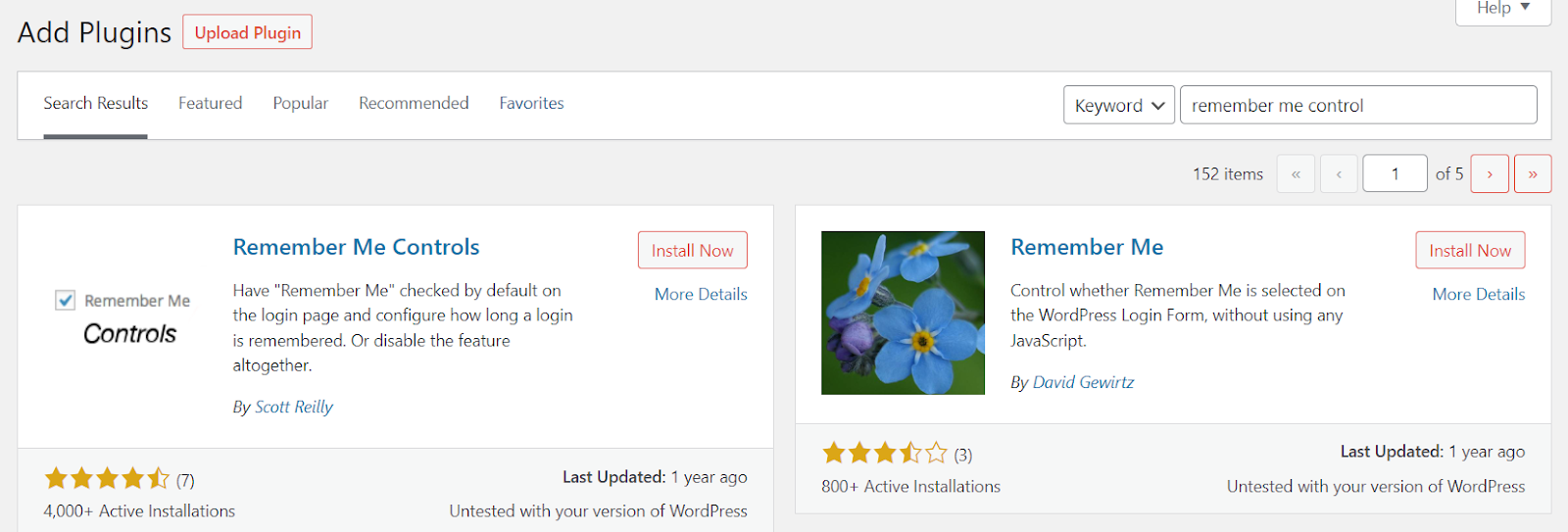
Click on the Install button placed inside the Remember Me Controls plugin box. Once installed, Activate the plugin.

That’s it. The plugin is installed and active.
#2 Set up the Plugin
Navigate to Settings > Remember Me from the left side panel.
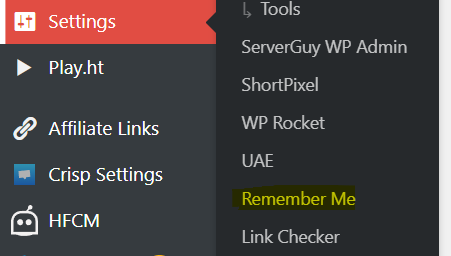
The next page will be the Remember Me Controls plugin setting.
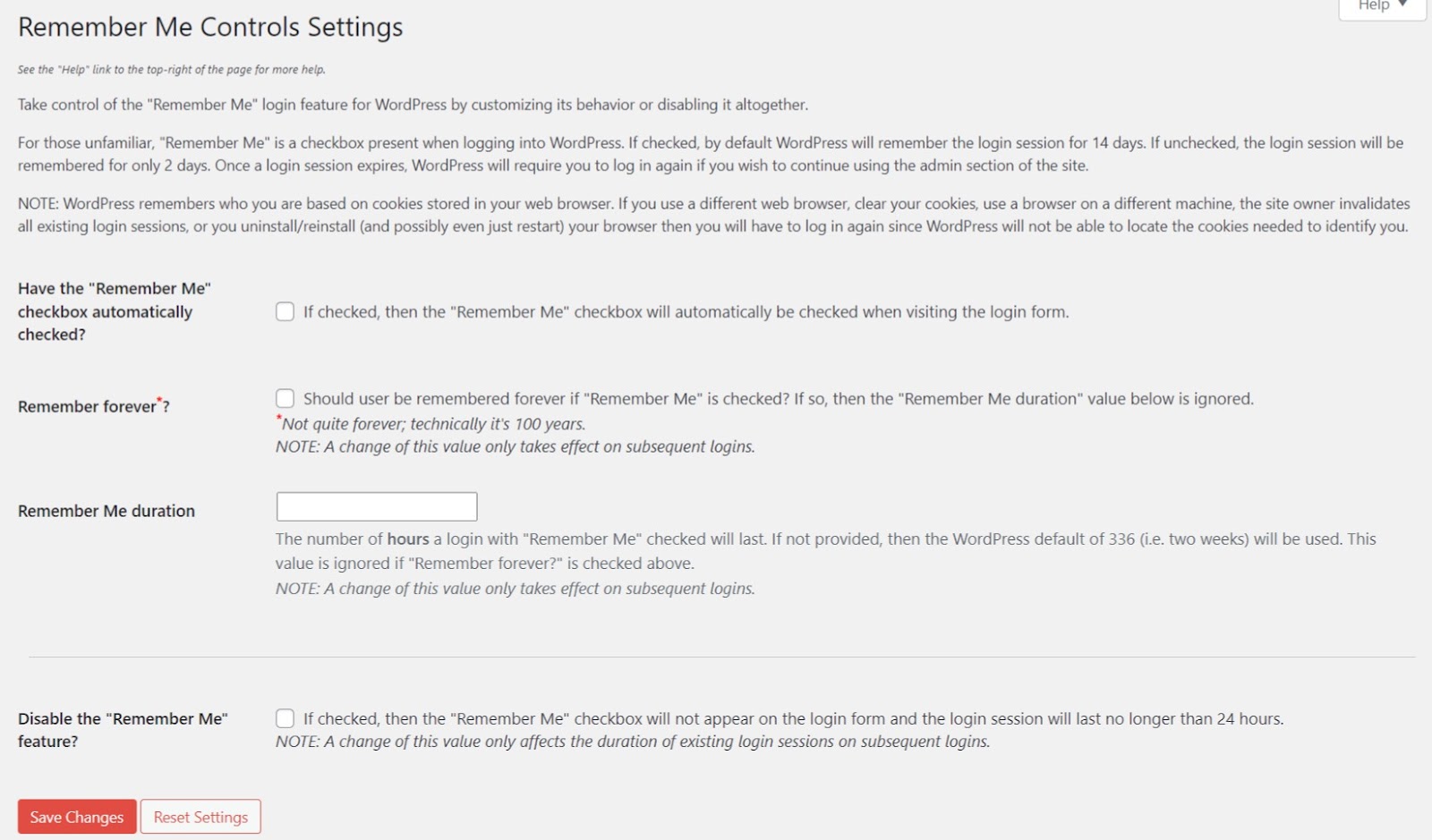
Tick the “Disable the “Remember Me” feature by clicking the checkbox in front.
Finally, click the Save Changes button to save the changes.
That’s it. You have disabled the Remember Me setting from the WordPress plugin page.
Also Read:
- Automatically Log out Idle Users in WordPress
- How to Reduce HTTP Requests in WordPress?
- What are WordPress Breadcrumbs and How to enable them?
Conclusion
WordPress login security should be a significant concern for every website owner. SSL is important for website but if the users do not feel their accounts are safe on your website, they will not make any purchase from you.
Not only visitors and customers, even your staff and team members are not safe. If one account is compromised, it can put all other accounts in danger. You might lose complete access to the website. The hackers can delete all the website’s content, orders, histories, purchases, and more.
Brute force attacks are pretty common, so keep an eye on that. In this tutorial, we learn to protect the login page by disabling the Remember Me option in the login page.
If you have any questions, do let me know in the comments.